
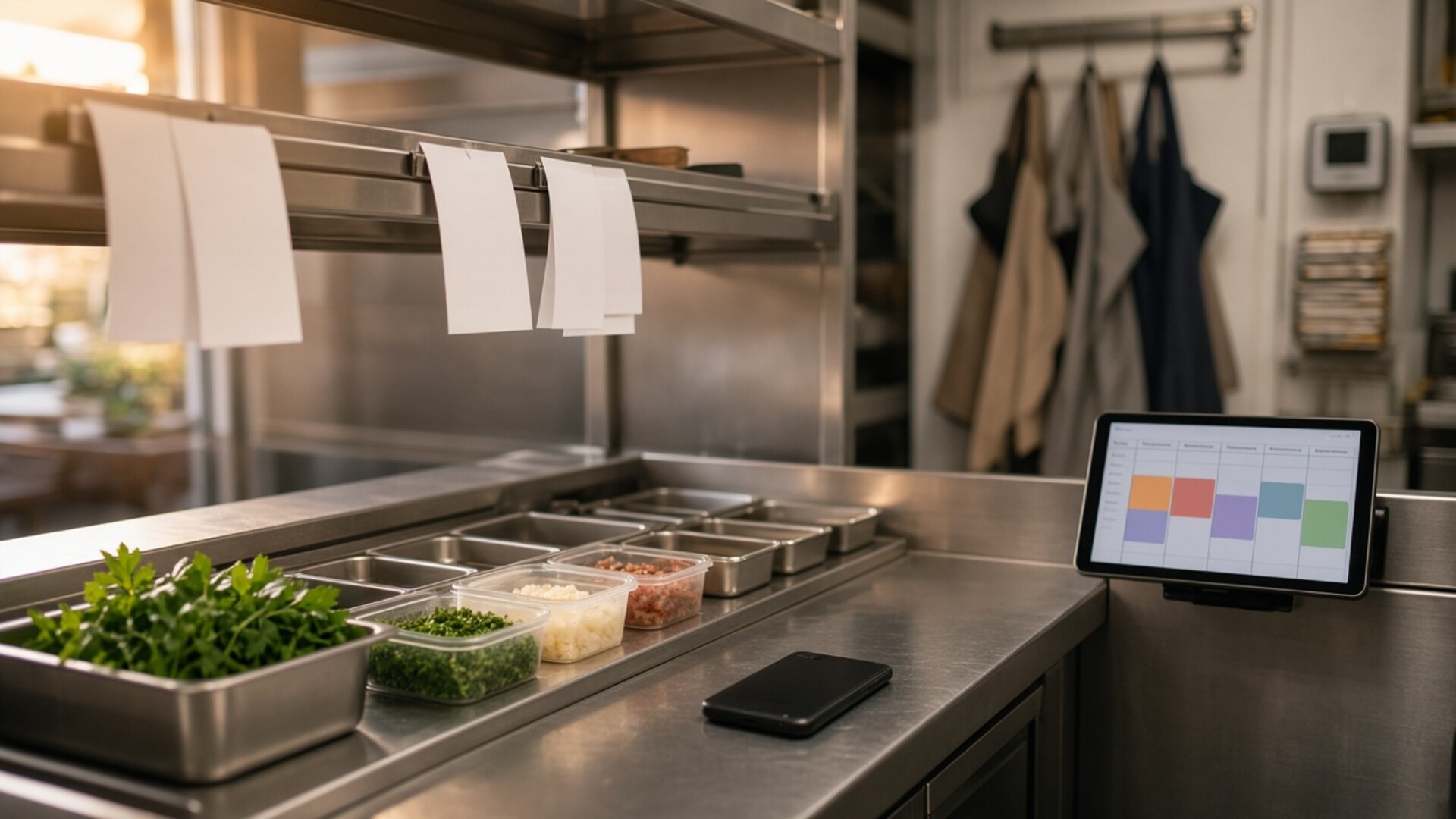
Start with one published schedule
It is 3:40 on a Friday. A line cook texts that they are sick, the manager scrolls through a group chat to see who is free, three people answer at once, and the one who shows up is already near forty hours for the week. Dinner gets covered; the cost shows up later, on payroll.
This guide is for restaurant owners and general managers who build schedules in a spreadsheet, a whiteboard photo, or a scheduling app nobody fully trusts. The goal is simple: when someone calls out, the right replacement is found quickly, the swap is recorded, and labor cost stays visible. TwoQM develops custom software, automation, AI integrations, CRM workflows, and connected systems for food businesses whose tools do not hold that picture together.
Coverage breaks down when the schedule lives in several places. Pick one place where the current week is published, and treat everything else as a copy. A useful schedule record carries:
Each shift as its own row: date, start and end time, station or role (grill, prep, dish, server, host, bar), and location if you run more than one.
Who is assigned, with their role qualifications attached to their profile, not remembered by the manager.
Availability and time-off requests submitted in the same system, so the schedule and the requests can be checked against each other.
A status for every change: requested, offered, accepted, approved, worked.
A call-out protocol everyone knows
Most chaos comes from not having a rule. Write a short one and post it in English and Spanish where the crew clocks in:
How to call out. One channel—a form, a button in the app, or a call to the manager on duty—not a text to whoever you happen to know.
How early. The window you expect, and what happens when it is shorter.
Who gets asked first. Qualified staff for that station who are available and below their weekly-hours threshold.
Who approves. The manager on duty confirms the swap; first to reply is not automatically the replacement.
Where it is recorded. The schedule updates, so payroll and the next manager see the same thing.
The overtime math hidden in a swap
The U.S. Department of Labor explains that, unless exempt, covered employees must receive overtime at not less than time and one-half for hours over 40 in a workweek. A rushed swap can cross that line without anyone noticing.
Here is an original illustration with round numbers, not a TwoQM client and not a measured result. A six-hour dinner shift opens up. Cook A, paid $16 an hour, is already scheduled for 38 hours. Cook B, paid $15 an hour, is at 30.
Cook A covers: 2 regular hours at $16 plus 4 overtime hours at $24, for $128.
Cook B covers: 6 hours at $15, for $90.
That is $38 on one shift. Cook A may still be the right call, but the manager should see the difference before approving, not discover it at payroll. Overtime still has to be paid when it is worked, so the fix is visibility, not refusing to pay for hours.
Build a coverage pool by role
A coverage pool is a list, per station, of who can step in. It should show:
Qualifications by station, so a host is never offered a sauté shift.
Hours already scheduled this workweek, with a warning when a pickup would pass your threshold.
Recent pickups, so the same two reliable people are not asked every single time.
Where automation helps
Conventional business automation handles the rules. When a call-out is logged, it can send the open shift only to qualified, available staff below the hours threshold; collect replies; show the manager a short ranked list with projected hours and cost; and, once approved, update the schedule, notify the person who called out, and send the replacement a confirmation in their preferred language. If nobody accepts within a set time, it escalates to the manager by phone call or text.
Where AI helps, with a manager signing off
AI is useful for messy input, with a person reviewing every result. It can turn a rushed voice note—"Marisol's out tonight, need someone on prep by four"—into a draft open-shift notice in English and Spanish. It should not choose who works, approve overtime, or message staff without a manager confirming. AI integrations at TwoQM start with the task, the data the tool may use, and who signs off.
Connect what you already pay for
Many restaurants already have a POS with a time clock, a payroll provider, and a scheduling app. Before building anything, connect those systems so approved swaps reach the time clock and payroll without retyping, and so actual punches can be compared with the published schedule. Custom software earns its place when the gap is specific to how you run: a coverage board for several locations, a station-qualification tracker, or a weekly labor view that combines schedule, punches, and sales. You can also see how we approach technology for restaurants and food businesses.
A ten-minute weekly review
Review four lists every week: call-outs by day and station, swaps that created overtime, open shifts that took longer than your target to fill, and punches that did not match the published schedule. Each list should name an owner and a next step.
Tell us about your workflow
Bring last month's schedule, a rough count of call-outs, and a list of the tools your team uses. Then tell us about your workflow. TwoQM is based in Brownsville, Texas, and works with businesses nationwide, in English and Spanish. We will tell you whether a connection between your current tools, a few automations, or a focused custom piece fits—and what it will not do. An inquiry is not a quote, and it is not a claim that a system is already built. This article is general information, not legal or payroll advice.