
Why briefs drift
A wedding photographer books a second shooter for a Saturday. Three weeks out, she sends a brief by text: arrive at the bride's house at 1:00, cover the groom's side, stay through the sparkler exit. Ten days later the couple moves the first look to the garden, adds a grandparents' portrait, and asks that one guest not be photographed. The lead updates her own notes and mentions the changes on a call. On the day, the second shooter is working from the first text. He misses the first look in the garden and photographs the guest.
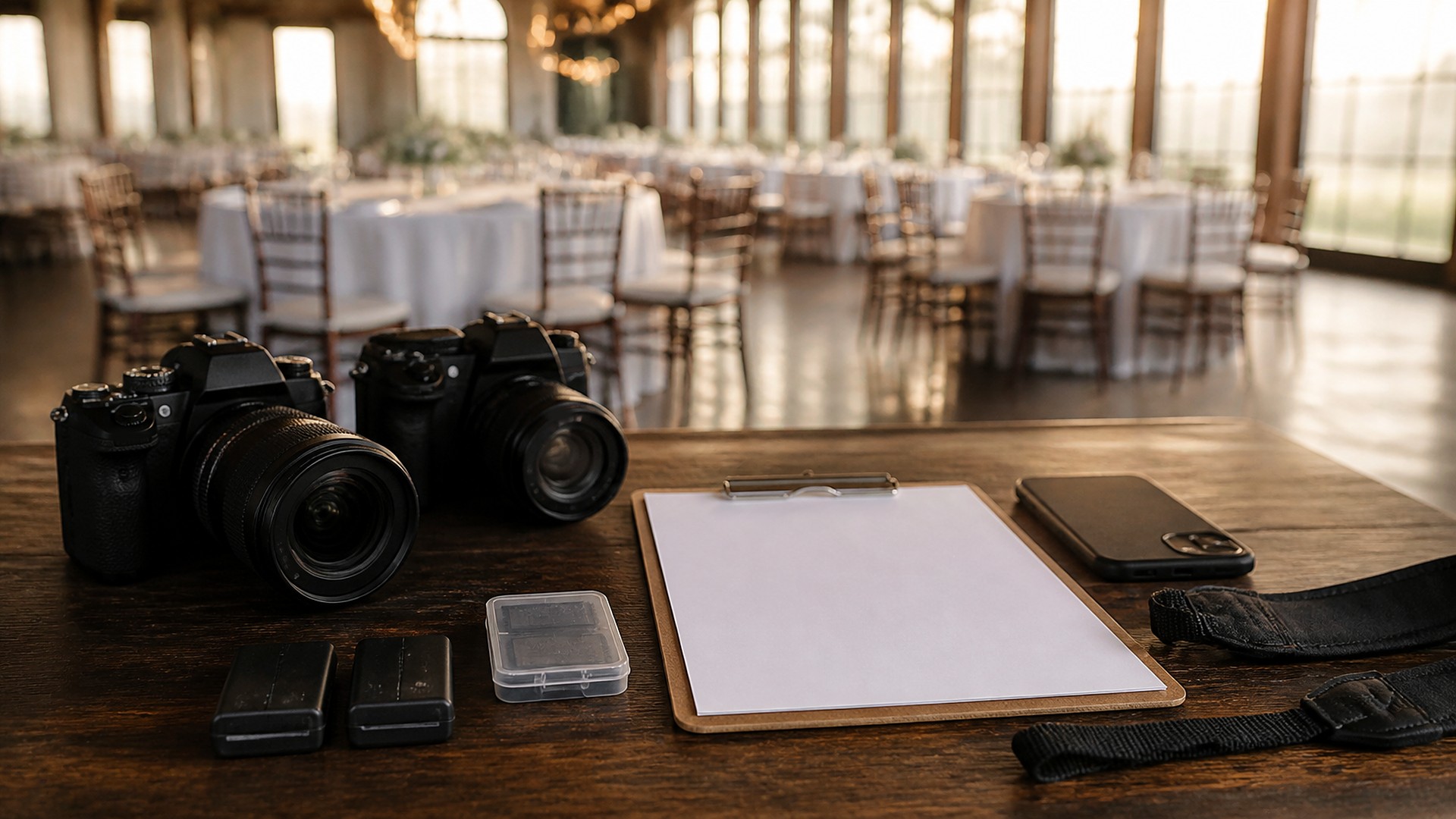
That scene is an original illustration, not a TwoQM client and not a measured result. The brief existed in several versions, and nobody could say which was current.
TwoQM has already written about retainer, shoot day, and final delivery payment milestones and about day-of run-of-show checklists for event vendors. This article covers a narrower job: the brief a lead photographer gives an associate or second shooter, and how to keep one current version of it for each event.
A second shooter brief usually starts as a message. Then the timeline changes, the venue adds a rule, the couple sends a shot list, and the planner shares a new contact. Each change arrives by a different channel, and the second shooter carries whichever version he saw last.
The fix is not a longer message. It is one brief per event, stored in one place, with a version number and a record of who has seen which version.
What belongs in the brief
Keep it short enough to read in the parking lot:
Event basics. Date, event type, client names as they prefer to be called, and the lead photographer's phone.
Where and when. Each location with its address, arrival time, and where to park or load in.
Coverage assignment. What the second shooter covers and what the lead covers, so both photographers are not at the cake while nobody is with the groom.
Must-have shots. The family groupings and moments the client asked for, with names where it helps.
Do-not-photograph and sensitive notes. Guests who should not be photographed, cultural or religious moments where cameras stay down, and anything the client asked to keep private. Share these only with the people working the event.
Venue rules. Flash limits, ceremony restrictions, areas that are off limits.
Gear and file handling. Which bodies and lenses, card handling, and when and how files come back to the lead.
Contacts on the day. Planner, venue coordinator, and who to call if something changes.
Language notes. Whether the family prefers Spanish for posing directions, and any names that are often mispronounced.
Version every change
Each time the brief changes, it gets a new version number and a one-line change note: "v3: first look moved to garden, grandparents' portrait added." Older versions stay in the history. Anyone opening the event sees the current version first, with the change notes right under the title.
A change to a do-not-photograph note or a location should be flagged as significant, not buried in a paragraph.
Ask for an acknowledgment
Sending a brief does not mean it was read. A simple rule works: when a brief changes in a significant way, the second shooter confirms he has read that version. The lead can see, for each event, which version each person acknowledged.
Your studio sets the timing. If the latest version has not been acknowledged as the event gets close, the lead calls. A person makes that call, not a reminder.
Lock it, then close it out
At some point before the event, your studio decides the brief is final. After that, any change is still recorded, but it is marked as a day-of change and sent with a direct call or message, not just an updated file.
After the event, add a short debrief: what was missed, what the venue did differently, and what to add to next time's template. The brief, its versions, and the debrief stay with the event record, so the next booking at the same venue starts from what you learned.
Where custom software and automation help
A shared folder with dated documents works for a few events a season. As a studio adds associates and books more events, custom software can keep one brief per event with version history, change notes, sensitive-note handling, and an acknowledgment record, inside a private area that only the assigned shooters can open.
Ordinary business automation handles the routine parts: start a brief from the booking details, notify assigned shooters when a new version is published, and list events where the latest version is not yet acknowledged. Where your booking, contract, or gallery tools allow it, connected systems work can pull dates, locations, and contacts into the brief so nobody retypes them; what is possible is confirmed during scoping.
Where AI helps, and where it stops
AI integrations can turn a couple's long email into a draft shot list, compare two versions and summarize what changed, and draft a Spanish version of the posing notes.
AI does not decide coverage assignments, decide what is sensitive, or publish a brief. The lead photographer reviews every version before it goes to anyone.
Where to start this week
Pick your next three booked events. For each, find every message that changed the plan, and write down which version your second shooter actually has. Then make a template with the sections above and use it for the next booking.
TwoQM builds custom software, automation, and connected systems for photographers, including studios that work with associates and second shooters. If your briefs live in text threads, TwoQM can scope a versioned brief workflow around the tools you already use. Pricing explains how business apps, systems, and custom software are scoped.
Describe Your Second Shooter Brief Workflow · Explore TwoQM custom software