
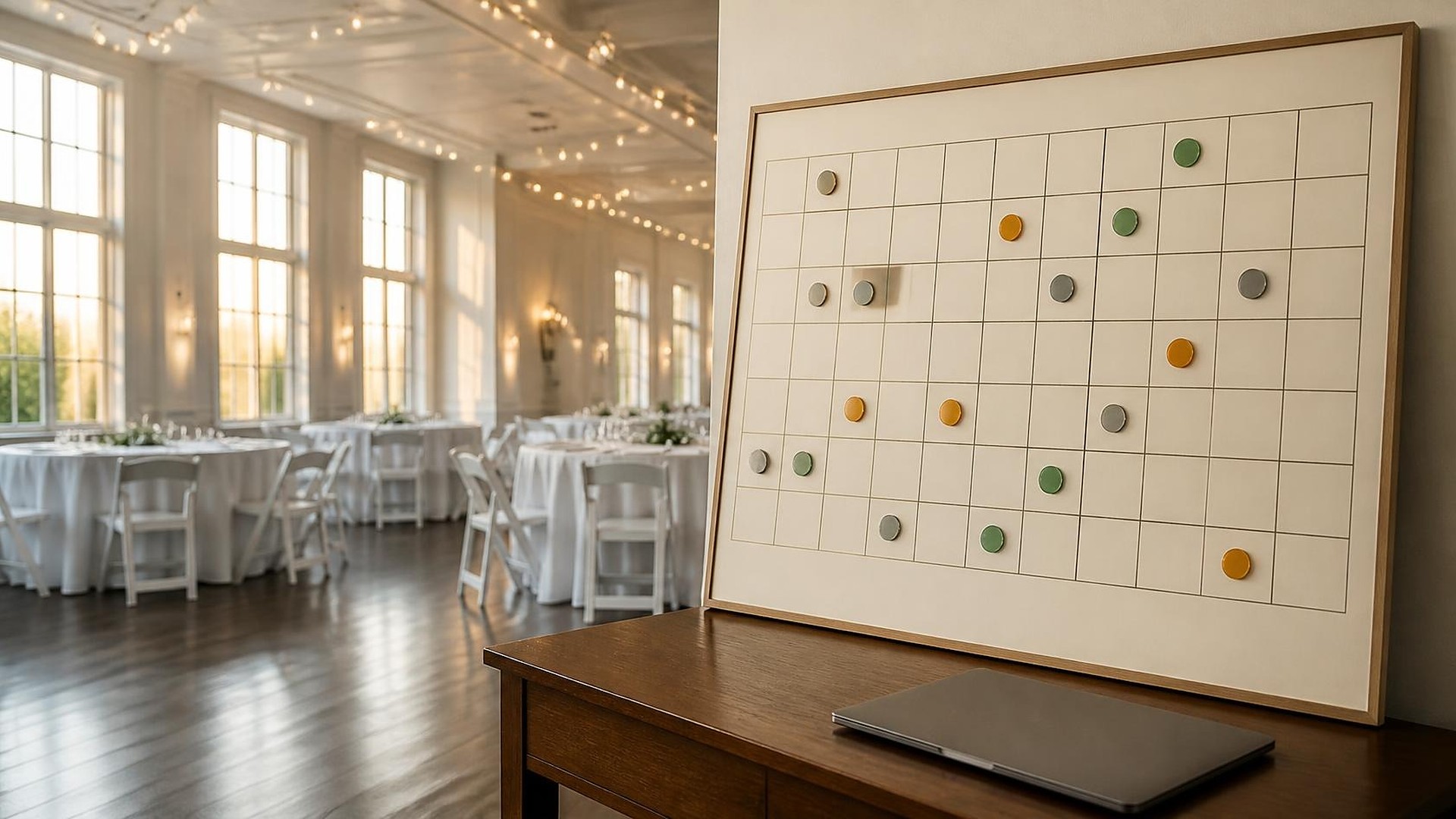
Why a name on a date is not enough
Picture a small event venue on a Monday morning. The coordinator has two parties asking about the same Saturday next spring. One said "pencil us in" on a tour three weeks ago and has not replied since. The other wants to sign this week. The shared calendar shows a last name on that date and nothing else: no status, no expiration, no note about who placed it or what was promised. The coordinator calls the owner, the owner remembers the tour differently, and the venue risks losing both bookings. That scene is an illustration, not a TwoQM client.
Most venues track dates somewhere. The weak spot is that "on the calendar" can mean anything from a courtesy hold to a signed contract.
TwoQM has already written about day-of run-of-show checklists shared with vendors and catering deposit and final balance tracking. Those pieces cover the event itself and the money. This one is earlier and narrower: what the date board says about each room and date before the event is locked in. It is not about how inquiries reach you or how you follow up with leads; it is about date inventory.
Here is an original example, not a measured result. A venue with a ballroom, a garden, and a small private room books weddings, quinceañeras, corporate dinners, and birthday parties. Three people can write on the calendar. Without clear statuses, the same problems repeat:
Holds never expire. A date stays blocked for a party that already booked elsewhere.
Second interest is invisible. Nobody records that another party asked about the same date, so there is no one to call when the first hold releases.
"Tentative" means different things. One coordinator uses it for a proposal sent; another uses it for a verbal yes.
Rooms and time blocks blur. The garden is booked for an afternoon ceremony, but the evening slot looks open when setup and teardown overlap.
Releases are silent. A date opens up and nobody tells the second party or updates the website availability note.
Define the statuses your venue will use
Write down a short set of statuses and what each one requires. Your venue decides the definitions and the time limits; the software only enforces the structure you set. A common pattern:
Open. Nothing on the room and time block.
Hold. A courtesy hold with a named party, who placed it, the date it was placed, and an expiration date.
Tentative. A proposal or contract has been sent, with the date sent and what is still outstanding.
Confirmed. Whatever your policy requires, such as a signed contract and a recorded deposit, checked off by a named person.
Released. The hold or tentative booking ended, with a reason and a date, before the slot returns to Open.
Treat each room and time block as inventory
A date board is more useful when the unit is room plus date plus time block, not just the date. Record setup and teardown buffers your venue requires so a morning event and an evening event in the same room cannot overlap. If two rooms can be combined for a larger party, the board should block both when the combined option is held.
Keep a queue for second and third interest
When another party asks about a held date, record them as second option instead of turning them away. The board shows the order of interest for each slot. If your venue offers the first party a set period to decide when someone else is ready to commit, put that rule in writing and record when the clock started. When a hold releases, the next party in line is visible right away.
Log every status change
Every move from Hold to Tentative, Tentative to Confirmed, or anything to Released should record who made the change, when, and why. That log settles "I thought we had it" conversations quickly and shows whether holds are expiring the way your policy says.
Where custom software and automation help
Many venues run dates on a shared calendar, contracts in an e-signature tool, and deposits in accounting software. Custom software can give you one date board by room and time block with clear statuses, expiration dates, and an option queue. Connected systems can link that board to the contract and payment tools you already use, so a signed contract and recorded deposit are visible before someone marks a date Confirmed. Ordinary business automation can remind the coordinator about holds nearing expiration and tentative bookings with no signed contract after the period your venue sets.
Where AI helps, and where it stops
AI can draft a polite hold-expiration reminder in English or Spanish, summarize the option queue for a busy Saturday, and turn a coordinator's tour notes into a cleaner hold record for review. A person reviews every draft. AI does not confirm a date, release a hold, promise availability, or decide which party gets the room.
Where to start this week
Open your calendar for the next six months and mark every booked date with one of the statuses above. For each Hold, write the expiration date. If you cannot tell which dates are truly confirmed without calling someone, start with written status definitions and a board by room and time block.
TwoQM builds custom software, connected systems, and automation for hospitality and food-service businesses, including restaurants with private rooms or banquet space. If your venue's dates live in a shared calendar that cannot tell a courtesy hold from a signed contract, TwoQM can scope a date board around the tools you already use. Pricing explains how business apps, systems, and custom software are scoped.
Describe Your Venue Date Board · Explore TwoQM custom software