
The domain is the lease under the stack
Your website can look fine on Monday and vanish on Tuesday for a reason that has nothing to do with design, hosting, or SEO. The domain expired. Payment failed. Auto-renew was off. Someone who left the company still controlled the registrar login. Customers type your name, land on a parked page or a competitor’s lookalike, and you find out from a text—not a dashboard alert.
For small businesses in South Texas and everywhere TwoQM works, the domain is the lease under the whole digital stack: website, business email, and the DNS that ties them together. Treat it like a critical vendor contract, not a set-it-and-forget checkbox from three years ago.
What auto-renew actually does
Auto-renew is a billing instruction at your registrar (the company where the domain is registered—GoDaddy, Namecheap, Google Domains successors, Cloudflare Registrar, and others). When it is on, the registrar charges the card or account on file before the expiration date and extends the registration for another term.
It does not:
Renew your hosting plan
Renew SSL certificates by itself (some hosts couple them; many do not)
Fix DNS if someone changed nameservers
Guarantee the charge succeeds if the card expired or the bank declined it
So “auto-renew is on” is necessary, not sufficient. You still need a payment method that works and a human who notices when a renewal email fails.
The quiet failure modes we see
Failed payment. Cards expire. Corporate cards get replaced. Banks flag “unusual” charges. The registrar sends mail to an address nobody monitors. Thirty days later the site is gone.
Wrong contact email. The registrant email is a former employee’s Gmail, a closed shared inbox, or a misspelled address. Renewal and transfer notices never reach the owner.
Registrar lock off. Without a lock (often labeled “clientTransferProhibited” or similar), a domain can be transferred more easily if credentials leak. Lock is not a substitute for strong passwords and MFA, but leaving it off is unnecessary risk.
Split ownership. The designer who built the site in 2019 still owns the registrar account. The company pays the invoice when asked. Nobody can change DNS without a favor. That works until it doesn’t.
DNS and registration in different heads. One person “has the domain,” another “has hosting,” and neither can explain where the MX records live. When email breaks after a redesign, the outage lasts days instead of hours.
Lock, transfer, and what “control” means
Three layers matter:
1. Registrant / account ownership — who can log into the registrar and change contacts, renew, or unlock for transfer.
2. Registrar lock — a setting that blocks easy outbound transfers until someone with access turns it off.
3. DNS / nameservers — where your site and mail actually point. Changing nameservers can move the whole experience without transferring the domain itself.
You want ownership and lock with the business (or a trusted managed partner under a clear agreement), and DNS documented so a backup person can restore service. If your web vendor holds the domain in their personal account with no written recovery path, fix that before the next renewal cycle.
A practical ownership checklist
Once a year—or when you change bookkeepers, agencies, or card processors—run this:
1. Log into the registrar. Confirm the domain shows auto-renew on and an expiration date at least 30–60 days out (longer is fine).
2. Confirm the payment method is current and that renewal receipts go to an inbox more than one person can open.
3. Confirm registrant, admin, and tech contacts use company-controlled emails, not personal addresses of contractors who may leave.
4. Turn registrar lock on unless you are actively transferring.
5. Screenshot or export nameservers and key DNS records (A/AAAA, CNAME for www, MX, TXT for SPF/DKIM if you run mail). Store them where operations can find them.
6. Decide in writing who is allowed to unlock and transfer. Treat that like signing authority on a bank account.
If you cannot complete step 1 because nobody knows the login, that is the real finding. Recover access before you redesign the homepage.
Calendar habits that prevent panic
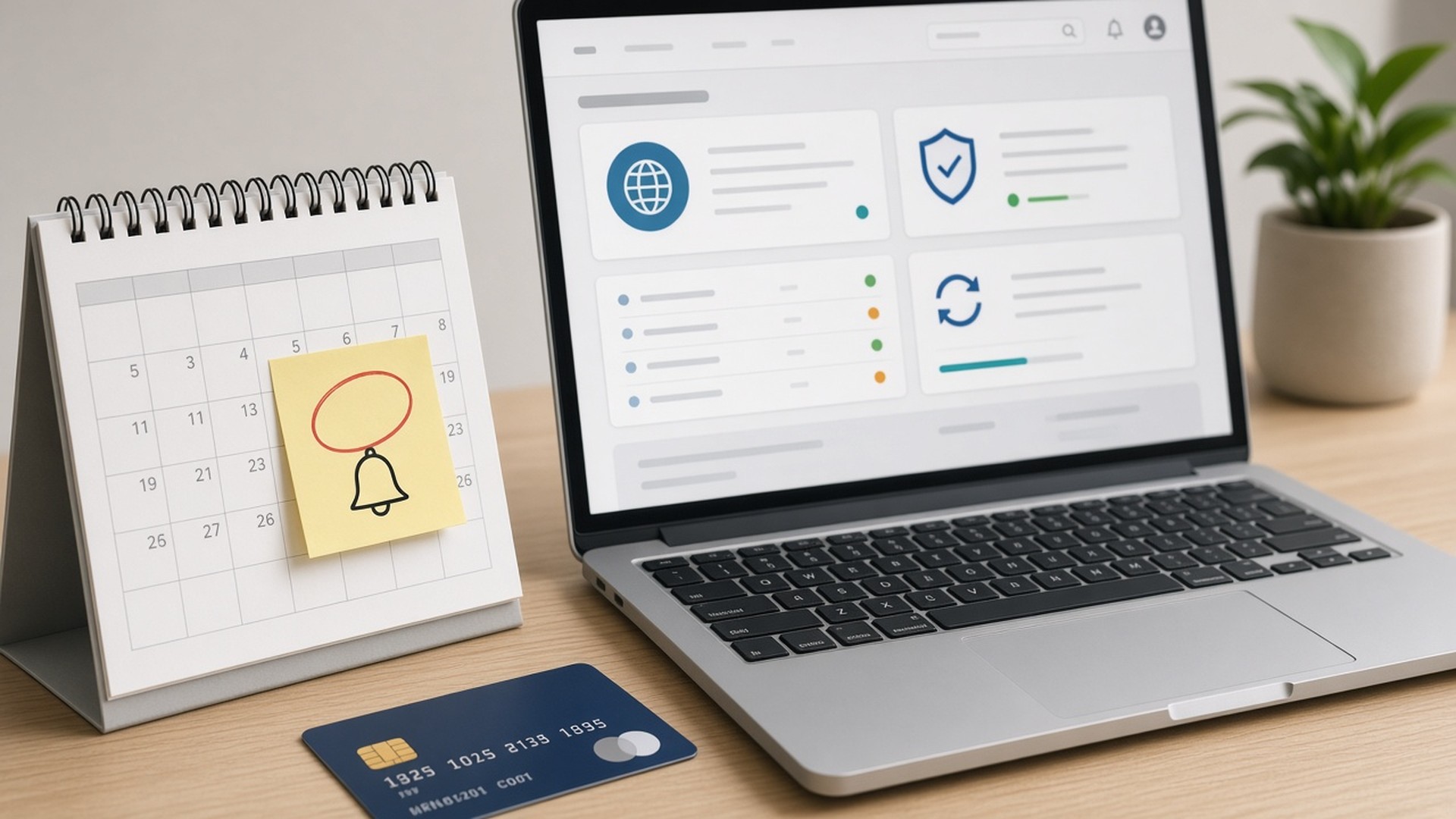
Put domain expiration and card-update dates on a shared calendar with a 45-day reminder. Do not rely only on the registrar’s email. Pair the reminder with “verify auto-renew and card,” not just “domain renews.”
When you launch a new site, include a domain ownership handoff in the go-live checklist: who owns the registrar, where MFA lives, and whether TwoQM (or your tech partner) has documented emergency access under your agreement. Launch excitement is when ownership gaps get papered over.
When to call a tech partner
Call sooner rather than later if:
The site shows a registrar parked page or browser certificate warnings tied to a lapsed setup
You inherited a stack and cannot name the registrar
You are changing hosts and someone suggests “just unlock and transfer” without a DNS plan
Email and web broke together after a “simple” domain change
TwoQM’s work with websites, domains, email, and hosting is built around keeping those pieces accountable to the same operator. Domains are small line items until they are the whole business for a weekend.
Bottom line
Auto-renew is a start. Working payment, company-controlled contacts, registrar lock, documented DNS, and a human calendar beat a hope that “the designer handles it.” Own the domain the same way you own the lease on the shop—because online, it is the lease.