
Give every job one record with clear stages
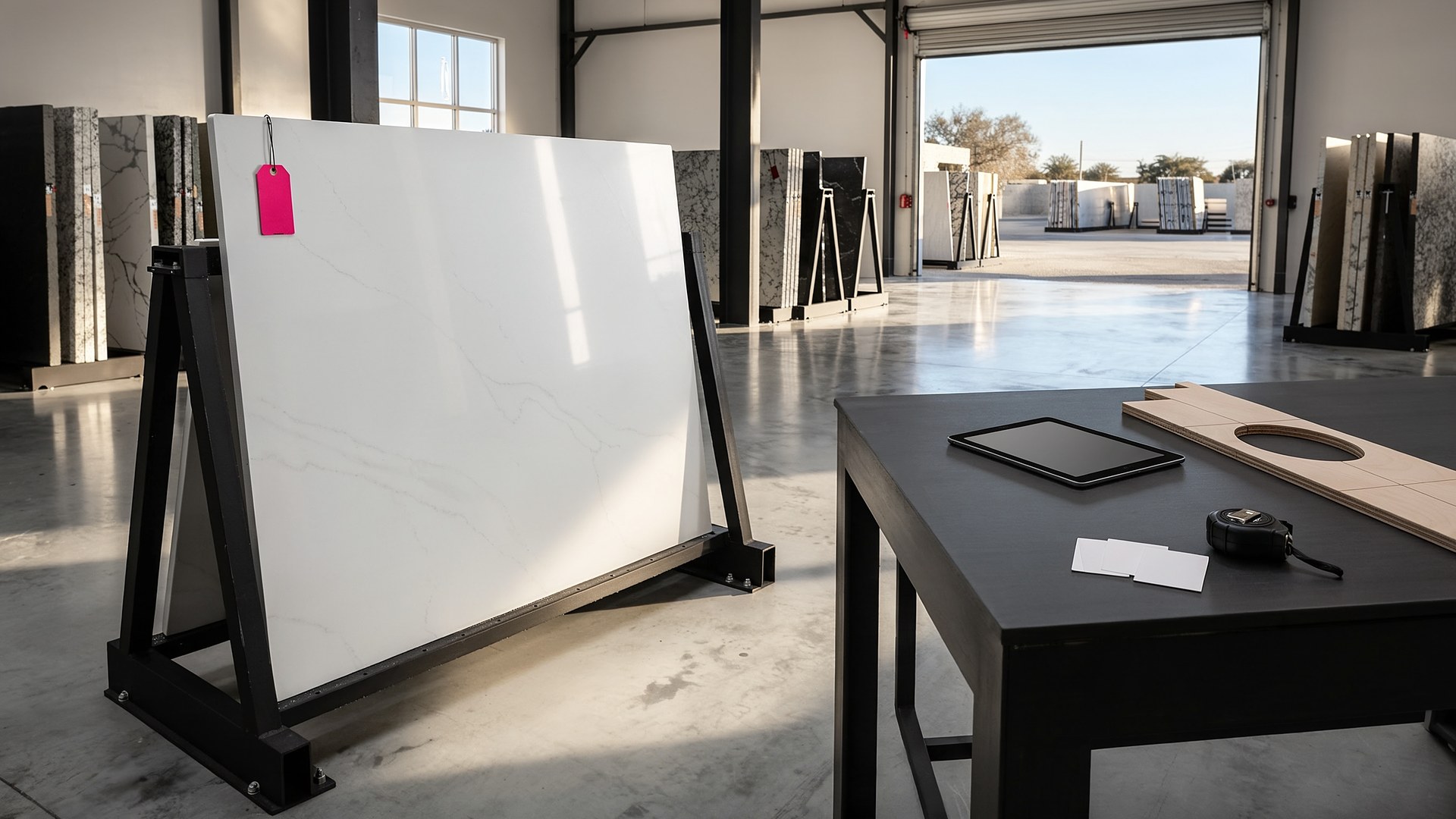
Picture a stone countertop shop with a template crew, two saws, and an install team that covers jobs from Brownsville to McAllen. A kitchen remodeler calls on Tuesday asking whether the island top for a client is cut yet. The office checks a whiteboard, then a group text, then walks to the yard to see whether the slab the homeowner picked still has the right tag on it. Meanwhile the homeowner has texted the installer directly, in Spanish, asking whether the sink needs to be on site before install day. Nobody has the full picture, and three people spend twenty minutes answering one question.
That scene is an original illustration, not a TwoQM client or a measured result. It describes a common gap in fabrication shops: every job moves through the same stages, but the status lives in heads, phones, and a board that only people standing in the shop can see.
This article is about giving each countertop job one record, and giving contractors and homeowners a simple portal to see the parts of that record that concern them. It is not about stone selection, material specs, building codes, or warranty terms. Those come from your shop, your suppliers, and the contractor on the job. The software keeps the record; your people make the calls.
Each job gets one record that the office, the template crew, the shop floor, and the install team all work from. The stages are the ones your shop already uses, for example:
Sold and deposit noted. Who the customer is, which contractor (if any), the address, and the rooms.
Template scheduled and done. The template date, who measured, and the template files or photos.
Slab selected and reserved. Which slab or lot the customer chose, with a photo of the actual piece.
In fabrication. Cut, edged, cutouts done, and checked before it leaves the shop.
Install scheduled and complete. The install date, the crew, and the sign-off photos.
When the stage changes in one place, everyone sees the same answer. The idea is close to special-order parts status that customers can check in an auto shop, applied to stone that has to be measured and cut first.
Tie the reserved slab to the job, with a photo
Homeowners often pick a specific slab because of its veining. A job record can hold the slab's yard location, lot or bundle reference, and a photo, and mark that slab as reserved so nobody else cuts it for a different job. If a slab is damaged or a remnant is used instead, the change is recorded on the job, with who approved it. That turns "I thought that was the one they picked" into a record anyone can check.
Show contractors and homeowners only what they need
The portal is a short page per job, in English or Spanish, behind a private link or login. It shows:
The current stage and the next step.
What the customer has to do before install, like having the sink and faucet on site, cabinets set and level, and old tops removed, using the checklist your shop already gives out.
The template and install dates once your office confirms them.
A place to upload photos or ask a question that lands on the job record, not on an installer's personal phone.
Contractors with several jobs open can see all of theirs on one page. Internal notes, costs, and shop details stay hidden. Photos from template and install day are kept by stage, like as-built photo sets archived by job phase.
Give the shop floor a cut list from the same record
The shop floor does not need the customer conversation; it needs to know what to cut next. A board built from the same job records shows which jobs have a template, a reserved slab, and an install date coming up, so the saw schedule follows install dates instead of whoever called last. When a job is marked ready, the install team sees it on their list.
Where TwoQM fits
Custom software can provide the job records, the slab reservations, the shop board, and the contractor and homeowner portal when off-the-shelf tools don't match your stages. Connected systems can pull customer and invoice details from the accounting or quoting software you already use, when those tools allow it. Business automation can send stage updates and pre-install reminders after your office confirms them. If you work mostly with remodelers and builders, the contractors industry page shows related work. What fits your shop is confirmed during scoping.
Where AI helps, and where it stops
AI can draft a plain-language stage update in English or Spanish for the office to review, summarize a long text thread into the job notes, and flag a job whose install date is close but whose slab is not yet reserved. Drafts follow the same rule as AI-drafted follow-ups with human send approval.
AI never confirms an install date, never approves a slab change, never quotes, and never sends a message on its own. Those decisions belong to your office and your crews.
Where to start this week
Take the last ten jobs that were installed and write down, for each one, how many times a contractor or homeowner called or texted to ask where things stood. Then list the questions they asked. If most were "is it cut yet" and "what do I need ready," a job record with a simple portal will likely help first. If most were about which slab, start with slab reservations.
TwoQM builds custom software, automation, and connected systems for small businesses in the Rio Grande Valley and beyond. This article describes operational workflow only. It is not legal, construction, or warranty advice. Pricing explains how business apps, systems, and custom software are scoped.
Describe Your Countertop Job Workflow · Explore TwoQM Custom Software