One record per gown, not per customer
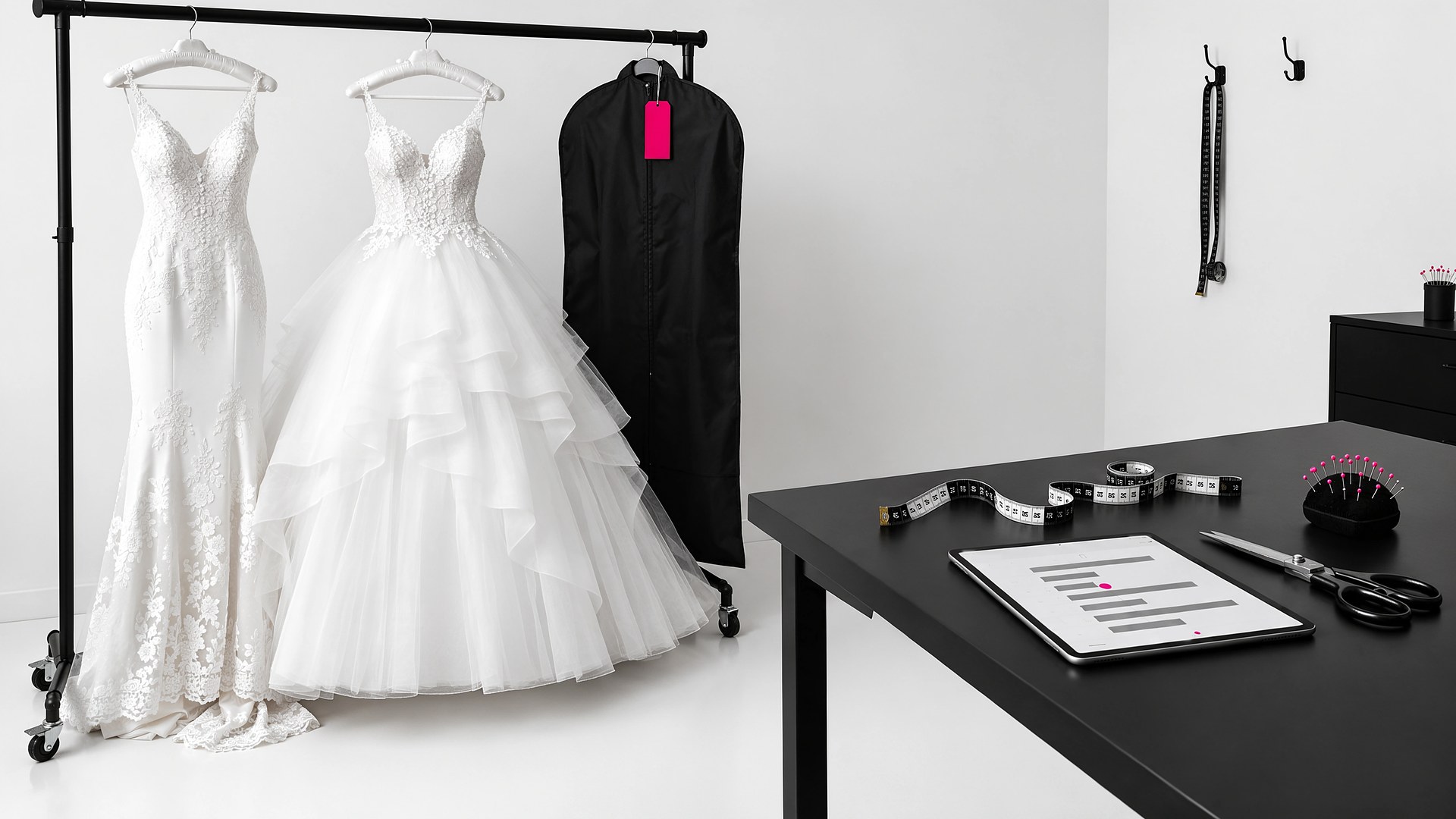
Picture a bridal and quinceañera boutique in the Valley on a Saturday in spring. A mother calls to ask whether her daughter's quinceañera dress has arrived. The owner remembers placing the order, but the confirmation is in one email inbox, the measurements are on a paper ticket in a drawer, the seamstress has her own notebook of fitting dates, and nobody wrote down which color was finally chosen after the family changed its mind. The owner promises to call back, and the call takes most of the afternoon.
That scene is an original illustration, not a TwoQM client and not a measured result. It describes a common problem for boutiques that sell special-order gowns: every order passes through several hands, and each hand keeps its own notes.
This article is about building one order record for each gown, from the day the bride or quinceañera chooses it until she picks it up after the last fitting. It is not about deposits or pricing policies. Your boutique sets those, and they belong in your written agreement with each customer.
A single family may order a quinceañera dress, a court of damas dresses and a mother's dress. A bride may order a gown and a veil and later add bridesmaid dresses. Each item moves on its own path, so each one needs its own record, connected to the customer and the event.
A useful gown record holds:
The style, color and size ordered, plus the measurements that size was based on.
The date the order was placed with the designer or manufacturer, and their confirmation reference.
The expected arrival window the designer gave you, labeled as the designer's estimate.
The event date, in large type on every screen.
Notes from the customer in her own words, such as a sleeve change or a different color sash.
When the color changes after a family conversation, the record shows who asked for it, when, and whether the change reached the designer.
Status steps everyone understands
Special orders move through steps your whole team already knows. Writing them down makes them visible:
Chosen and measured
Ordered with designer
Designer confirmed
Arrived and checked
In alterations
Final fitting done
Ready for pickup
Picked up
Each step is set by a person on your staff, with their name and the date. The "Arrived and checked" step is worth slowing down for: someone opens the bag, compares the gown to the order and notes any problem before the customer comes in.
The event date drives the reminders
Because every record carries the event date, the system can tell your team which gowns need attention this week. A short list on Monday morning shows gowns that have not arrived and are getting close to the dates your boutique uses to plan fittings, alteration appointments not yet booked, and gowns that are ready but not picked up. Your team decides what to do about each one, such as calling the designer, booking the seamstress or calling the family.
The system never promises a date to a customer. The designer's estimate stays labeled as an estimate.
Fittings and alterations in the same place
Your seamstress or alterations partner can see the gown record, add fitting notes and set the next appointment. The family does not need to repeat what they asked for at the first fitting, and the front counter can answer "When is my next fitting?" without calling the back room.
Updates in English or Spanish
Many quinceañera orders involve a whole family: the girl, her parents, sometimes padrinos who are paying for part of it. The record notes who can receive updates and in which language. When a gown arrives, your team can send a short message in English or Spanish from a template you approved, so the wording is the same every time. A shared bilingual glossary keeps terms like "bustle" and "alterations" consistent.
Where AI fits, and where it does not
AI can help draft a status message for your staff to review, summarize a long thread of change requests into the gown record, and flag records where the event date is close and the gown has not arrived.
AI never contacts a designer, never changes an order, never tells a customer a gown will arrive by a certain day and never sends a message without a person approving it.
Where to start this week
Pick the next five special orders your boutique places. For each one, write the event date, the designer, the order date and the status steps above on a single page, and keep them in one shared folder. If your team finds that page answers most phone calls, that is the record your boutique needs in software. A similar approach works for special-order parts in auto repair and for retail order status.
TwoQM builds custom software for small businesses in the Rio Grande Valley and beyond, in English and Spanish, and can connect it to tools you already use through connected systems. Boutiques can also see the retail industry page. Pricing explains how plans and custom projects work.
Discuss a Gown Order Tracker for Your Boutique · Explore Custom Software