
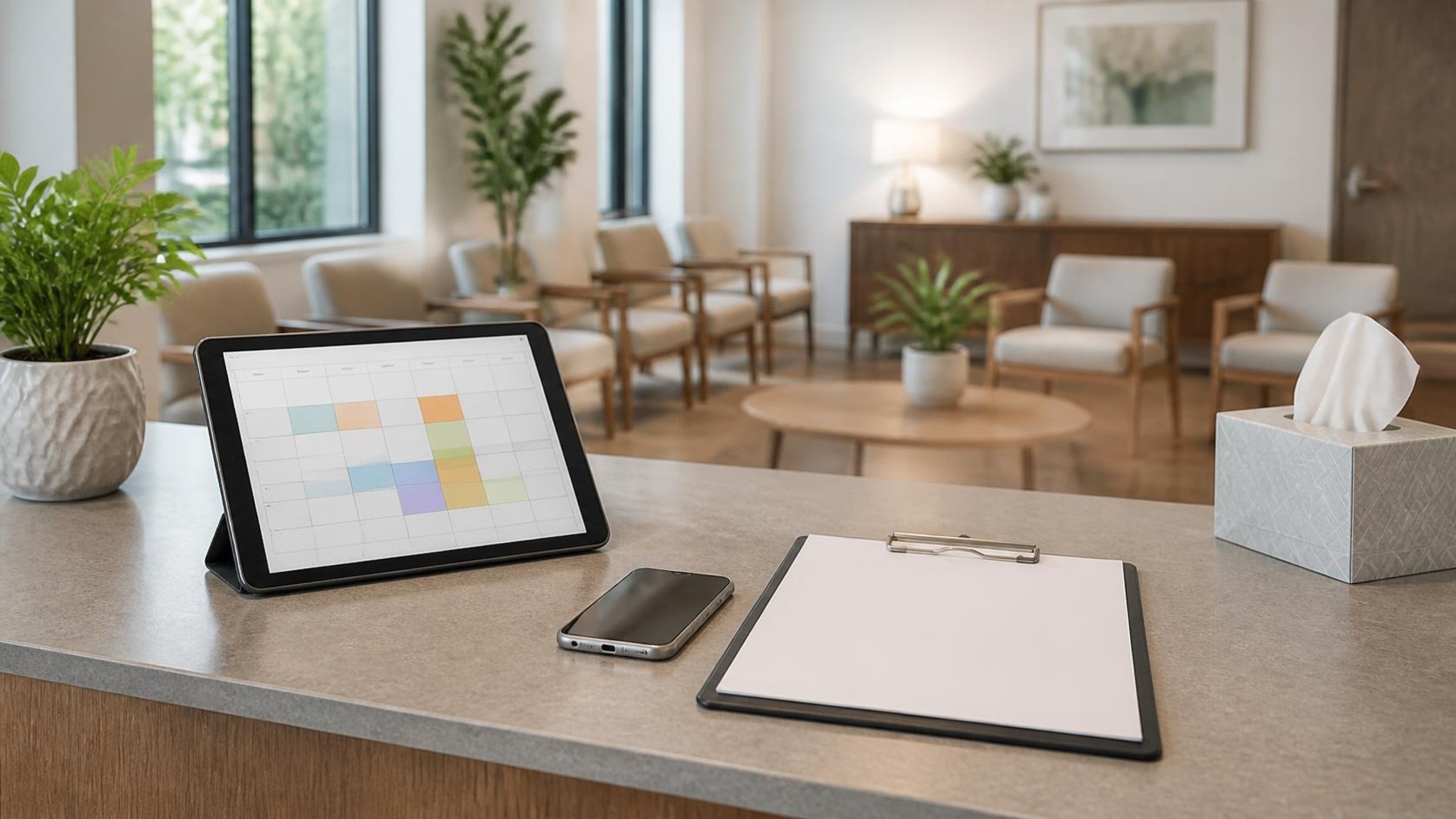
Where an appointment inquiry starts
A full appointment book is not an organized front desk. Many medical and wellness practices already use a scheduling tool, a phone tree, and a website form—then still lose a new-patient request in a Google Business Profile message and paperwork instructions with whoever answered after lunch. The calendar is not the workflow. The workflow is the path from the first public inquiry to a confirmed visit and a clear next admin step.
This map is for medical practices and wellness offices that share public appointment inquiries and non-clinical admin steps across phone, web, and messaging. It covers routing calls and forms, ordinary confirmation reminders, and pointing new patients to paperwork your office already asks for—not clinical records or treatment decisions. TwoQM develops custom software, automation, CRM workflows, and connected systems when your current tools do not hand the work to the right person. Hosting and email can sit beside that work. They are not the whole job.
This article does not claim HIPAA certification, PHI handling, EHR integrations, or any compliance outcome. It covers public service information and admin inquiry routing only.
Here is an original example, not a TwoQM client and not a measured result. A three-provider clinic gets a Sunday-evening Google Business Profile message asking whether a new-patient slot exists Thursday morning and what forms to bring. The office manager sees it Monday at 10 a.m. Meanwhile a family member left a Spanish voicemail, and the same household submitted the website form without a matching callback number. Three channels, three partial stories, one frustrated reschedule.
The same request may start on the appointment form, in a Google Business Profile message, on the main phone line, or as a reply to an old confirmation text.
Ordinary scheduling tools cover a large share when they point at one inbox the team opens: confirmations, reminder timing, and a status the front desk can update. Public product pages describe SMS and email reminders tied to the live calendar—for example, Square Appointments reminders (https://squareup.com/us/en/appointments/features/reminders) and Keap’s appointment reminder help (https://help.keap.com/help/appointment-reminders). Those features help on the admin side. They do not merge a GBP message with the website form or tell a junior receptionist which new-patient requests they may book without a supervisor.
Write the staff path first
One intake shape for public inquiries. Every new request collects the same non-clinical facts: preferred provider or visit type, preferred times, callback number, preferred language, and new vs returning. A form can require some of that. A voicemail cannot, unless someone copies it into the shared inquiry record the same day.
One owner for unscheduled channels. Name who checks Google messages, the form inbox, after-hours voicemail, and the overflow line—and by what time. “Whoever is free” means Sunday waits until midweek.
Confirmation reminders for admin steps, not clinical advice. Reminders should name the time, location or telehealth instructions you already publish, and what to bring for check-in paperwork—not medical guidance. Test one on the office phone before you trust the template.
**A staff path for new-patient paperwork requests.** Point people to the blank forms or portal upload your practice already uses for admin intake. Do not invent a clinical records workflow, and do not promise a system that stores medical charts.
Bilingual coverage that is scheduled. If you serve English and Spanish callers, name who answers which hours and which templates exist per language. A bilingual homepage line is not a staffing plan.
Statuses the desk will use. New inquiry, waiting on callback, confirmed, paperwork link sent, needs reschedule, no-show follow-up.
Automation, then a draft a person sends
Use ordinary automation when the answer is already on the schedule: confirmations, reminder timing, a note that the request arrived, and an alert when an inquiry sits past your deadline. Those steps should not wait on a language model, and they should not invent an open slot.
AI fits when the message is messy and a person still decides. A note like “need something Thursday, mom doesn’t drive, forms in Spanish if you have them” can become a short brief: likely visit type, language preference, and missing callback details. A draft reply can point at your published hours and paperwork instructions. It must not invent clinical advice, promise a provider, or send itself. AI and automation (https://twoqmllc.com/ai-automation) at TwoQM starts with the task, the information it may use, and who reviews the result.
A CRM workflow (https://twoqmllc.com/crm) helps when stages—new inquiry, waiting on callback, confirmed, paperwork requested—need a clear owner. If your scheduling tool already holds the appointment the desk opens, connect that system (https://twoqmllc.com/connected-systems) instead of starting a second database.
When a custom piece is justified
Custom software fits when the same handoff breaks every week and no scheduler setting fixes it: bilingual inquiry routing, paperwork-request links tied to the inquiry ID, staff who must not see one another’s open callbacks, or a form that must land on one board with the original channel preserved. Agree on permissions, and on vendor-connection failure handling, before anyone builds it. Do not treat a custom intake board as an EHR or a compliance program.
Software and websites for medical practices (https://twoqmllc.com/industries/medical-practices) are planned around public service information, appointment inquiries, and admin workflows. That is not a generic template, and it is not “you need a website” as the fix for lost callbacks. If the site hides the appointment path, fix the path. If the desk still loses messages and paperwork requests, fix the workflow.
Discuss a software project
Write down the path you are losing: Sunday GBP messages, Spanish voicemails nobody logs, or paperwork links that never go out. Discuss a software project (https://twoqmllc.com/custom-software) with TwoQM. We are based in Brownsville, Texas, and we deliver nationwide, in English and Spanish. We will say whether your current scheduler, a connection between tools, or a small custom piece fits—and what it will not do. An inquiry is not a quote.