A page that explains repair or replacement
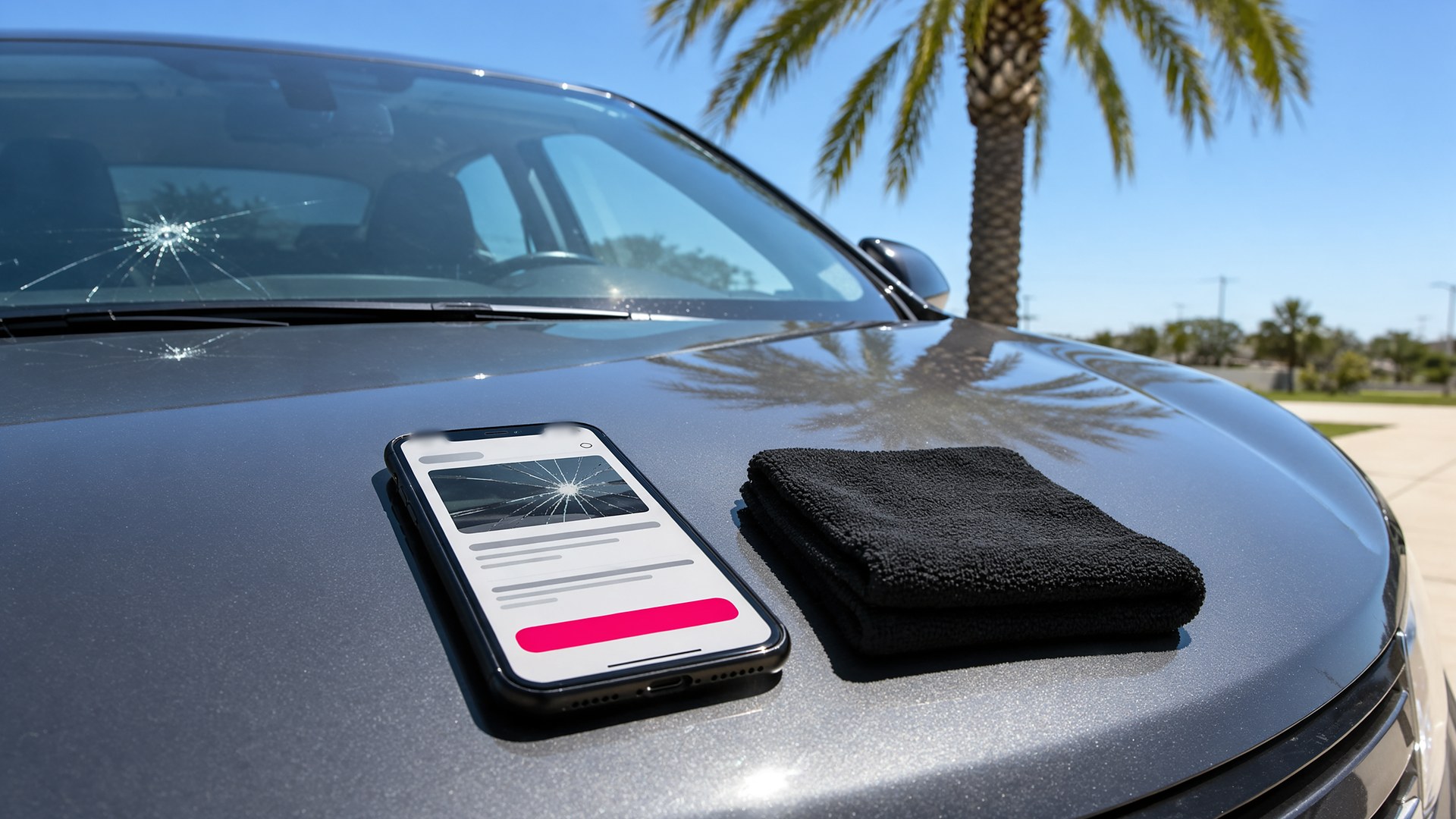
Picture an auto glass shop in the Valley with two mobile vans and a small install bay. A driver gets a rock chip on the expressway, searches on her phone and finds the shop's website: a logo, a phone number and a "Get a Quote" button. She does not know if a chip can be repaired or if she needs a new windshield, whether someone can come to her office, or what information the shop needs. She calls, and the person who answers has to ask for the year, make and model, the location of the damage and whether she is filing with insurance. Half the call is spent on questions the website could have answered.
That scene is an original illustration, not a TwoQM client and not a measured result. It describes a common gap for auto glass shops: drivers arrive with a cracked windshield and a lot of questions, and the website gives them nothing but a phone number.
This article is about building an auto glass website that explains the choices in plain language, in English and Spanish, and collects the right details and photos before the first call. It is not about insurance coverage, safety standards or which vehicles need camera calibration after a replacement. Your technicians, the vehicle manufacturer's information and the driver's insurance company decide those things.
Most drivers do not know the difference until someone tells them. A short page can explain:
What a chip or small crack looks like, with your own photos of real damage your shop has handled.
That your technicians decide whether damage can be repaired after seeing it, based on its size, location and type.
What usually happens next in each case, described as steps, not as promises about time or price.
That damage can spread, so the driver should send photos or come in rather than wait, without scare language.
Plain photos and short sentences do more than a page full of technical terms.
Mobile or in-shop, explained once
If your shop offers mobile service, the website should say where and when:
The cities or areas your vans cover, listed by name.
What the technician needs on site, such as a safe place to park and access to the vehicle.
When a job has to be done in the shop instead, described in general terms your team agrees with.
Your shop address, hours and how to request a mobile appointment.
A service area section also helps local search. A local SEO setup makes sure the same cities, hours and services appear on your Google Business Profile and on your site.
A request form that asks the right questions
Replace the lone "Get a Quote" button with a short form that matches how your team quotes:
Year, make and model, and the VIN if the driver has it handy.
Which glass is damaged: windshield, side window, back glass or another piece.
Photos of the damage and, if it helps your team, of the sticker area or the camera housing behind the mirror.
Whether the driver wants mobile or in-shop service, and the address for a mobile visit.
Whether they plan to file with insurance, with a note that your team will explain the next step.
Preferred language for the reply and the best way to reach them.
When the request comes in, your team has what it needs to call back with a real answer. The same idea works for shops that already handle service requests and estimate approvals in a structured way.
Insurance questions, without promises
Many drivers ask about insurance first. The website can explain what the shop does, such as working with the driver's insurance company or helping them start a claim, and what the driver should have ready, such as their policy information. It should not promise that a repair is covered, that there is no out-of-pocket cost or that a claim will be approved. Those answers come from the driver's policy and insurer.
English and Spanish, side by side
In the Rio Grande Valley, many drivers search in Spanish, and many families have members who prefer one language for reading and another for calling. Both versions of the site should match: same steps, same service area, same form. TwoQM's guide to bilingual websites for U.S. and Mexico audiences explains how to keep them in sync.
Where AI fits, and where it does not
AI can help your team write the first draft of the repair or replacement page, draft the Spanish version for your bilingual staff to review, and suggest a reply to a request based on the details the driver sent.
AI never decides whether damage can be repaired, never quotes a price, never says what insurance will cover, never promises a time and never publishes or sends anything without a person approving it.
Where to start this week
Write down the last ten questions drivers asked on the phone before booking. If most of them were about repair versus replacement, mobile service or insurance, those answers belong on your website, with a form that collects the details and photos your team asks for every time.
TwoQM designs and manages websites for small businesses in the Rio Grande Valley and beyond, in English and Spanish. Automotive businesses can also see the auto repair industry page. Pricing explains how website plans work.
Request a Website Preview for Your Auto Glass Shop · Explore TwoQM Websites