
Two kinds of customers, one list
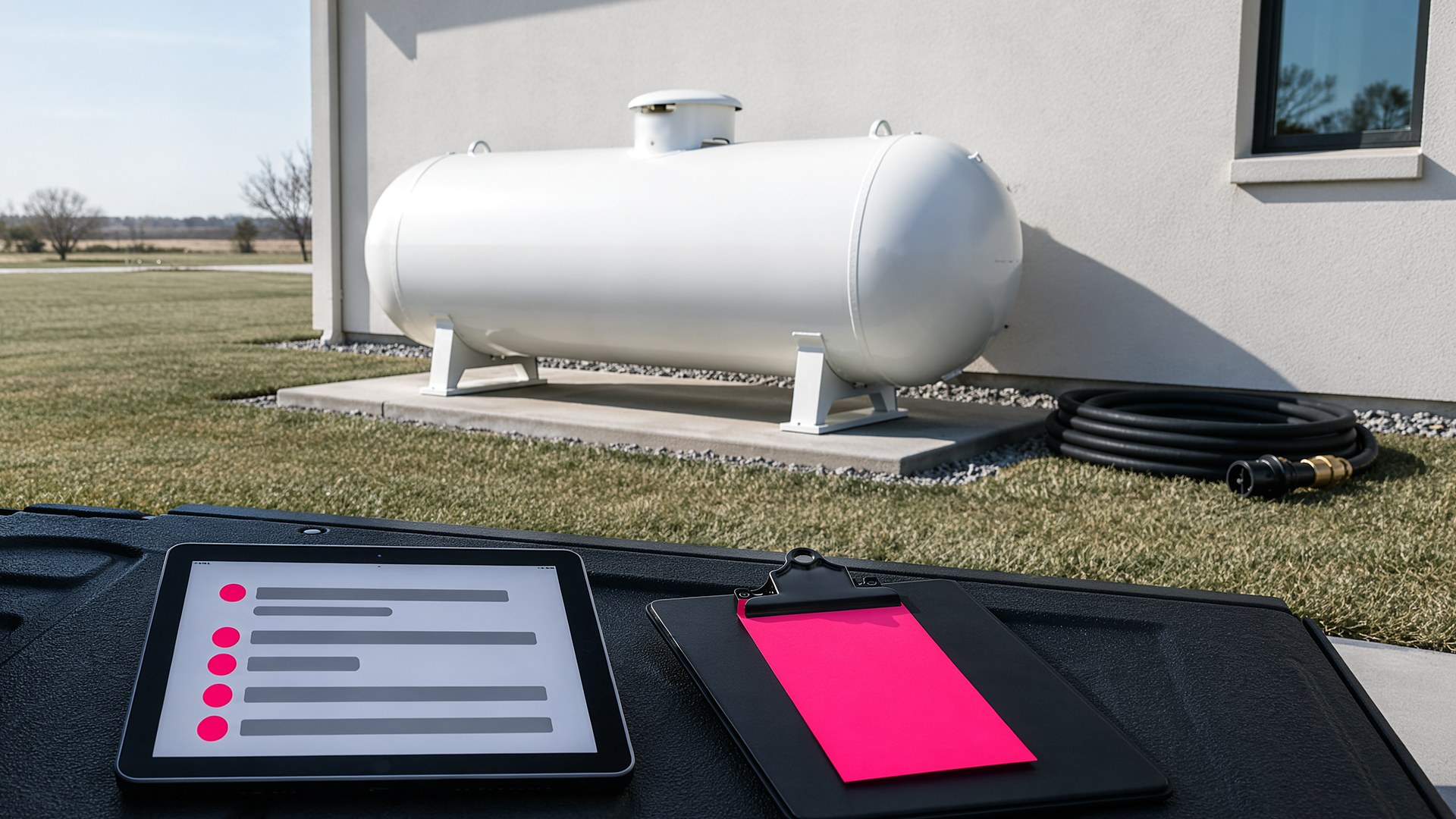
Picture a small propane company in the Valley on the first cold Monday of the season. The office phone rings all morning with will-call customers asking for a fill. Two requests came in by text over the weekend, one through the website form and one on a driver's personal phone. Meanwhile, the keep-full customers the company promised to watch are on a spreadsheet that only the owner opens. By the afternoon, a driver is out on a route that crosses itself twice, and nobody is sure whether the ranch customer who called Saturday is on it.
That scene is an original illustration, not a TwoQM client and not a measured result. It describes a common problem for small fuel distributors: requests arrive through many doors, and the delivery plan lives in one person's head.
This article is about building one delivery queue that holds every request and every scheduled customer, so the office plans the day from a single list. It is not about pricing, contracts or safety procedures. Your company sets those, and your licensed staff follows the rules that apply to your business.
Most propane companies serve two groups:
Will-call customers, who contact you when they want a delivery.
Keep-full or automatic customers, whom your company has agreed to check and fill on a schedule you set.
Today these often live in different places. Will-call requests are scattered across phone notes, texts and web forms. Keep-full customers sit on a spreadsheet or a paper route book. The office has to merge them by hand every morning.
A single delivery queue puts both groups on the same screen. Each entry shows the customer, the tank location, the type of request, the date it came in and any notes, such as a locked gate or a dog in the yard.
Every request comes through the same door
The first step is making sure every request lands in the queue, no matter how it arrives:
A form on your website that asks for the account name, service address, tank location notes and a callback number.
Phone calls logged by the office into the same form, so a call and a web request look the same.
Texts to the company number, copied into the queue by staff, not left on a driver's phone.
Each entry gets a status your team sets: requested, confirmed, scheduled, delivered or needs a callback. When a customer calls back to ask, anyone in the office can answer from the same record.
Keep-full customers come up on your schedule
For keep-full customers, the queue can bring each account up for review based on rules your company writes down, such as the date of the last delivery and the interval you use for that customer in winter. The software does not decide when a tank needs fuel. It reminds your dispatcher which accounts are due for a look, and the dispatcher decides.
If a customer has a tank monitor and your monitor provider offers a way to export readings, those readings can be shown on the same record through connected systems. If not, the schedule rules still work on their own.
Building the day's route list
Once the dispatcher picks the day's deliveries, the system can group them by area so a driver is not crossing town twice, and produce a printable or phone-friendly list with addresses, gate notes and tank locations. The dispatcher can still move stops around, because the person who knows the roads and the customers makes the final call.
When the driver marks a stop as delivered, the record updates for the office, and the delivery details can flow into your invoicing tool instead of being typed in again at the end of the day.
Reminders in English or Spanish
Many propane customers in South Texas prefer Spanish, and some households have one person who reads English and another who reads Spanish. The customer record notes who should receive updates and in which language. From templates your company approves, the office can send short messages in English or Spanish, such as "Your delivery is scheduled for tomorrow" or "We could not reach the tank today; please call us." A shared bilingual glossary keeps words like "tank," "gauge" and "gate code" consistent.
Where AI fits, and where it does not
AI can help turn a long voicemail or text into a clean queue entry for staff to check, draft a reminder in the customer's language for review, and flag requests that have sat in "requested" too long.
AI never schedules a delivery on its own, never tells a customer when a truck will arrive, never makes a safety judgment and never sends a message without a person approving it.
Where to start this week
Pick one week and write every delivery request on a single shared sheet, with the date, how it came in, the customer type and what happened next. At the end of the week, count how many requests arrived outside your main phone line. That sheet is the outline of your delivery queue. The same idea works in other route-based businesses, such as HVAC filter routes and wholesale bakery deliveries.
TwoQM builds business automation and connected tools for small businesses in the Rio Grande Valley and beyond, in English and Spanish. Pricing explains how plans and custom projects work.
Describe Your Delivery Workflow · Explore Business Automation